Web graphics: Interlacing samples
On this page: Samples of how interlaced GIF files display over a slow connection.
back to web images article
There is (or used to be) a very large GIF image with no interlacing on Lynda Weinman's site, and in the good old days of universally slow dial-up connections, you could see it download in horizontal strips.
Back in 2001, I located a copy of this image in my browser cache and saved it with interlacing *, just so you can see the effect here:
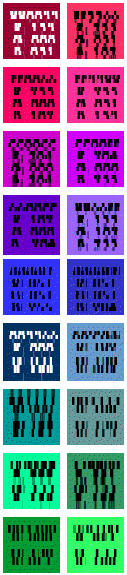
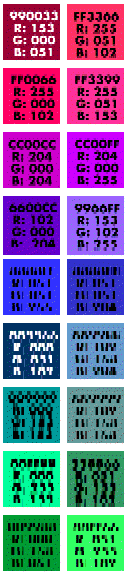
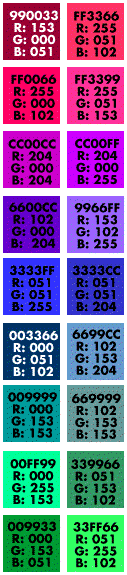
 Above left, the top left part of the image is shown. The first pass of the download shows the coarsest resolution: the bottom four rows. The next pass has just started, and has got as far as the top five rows, which are a bit less blocky.
- Middle, the progress of the second and third passes, interrupted at about the same point.
- Right, the same portion of the image once it has finished rendering.
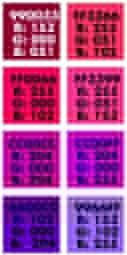
The small image far right is part of the same thing, but done as a progressive JPEG. Much faster to display, so more difficult to capture! As you can see, JPEGs go from fuzzy to crisp, rather than blocky to fine, but the principle is the same - give the reader something to look at while he/she waits.
PNG files use a more sophisticated (2D) kind of interlacing than GIFs, which gives a better result earlier on in the download process.
* Of course, I subsequently deleted the amended copies from my PC once I'd taken the necessary screen shots, as it isn't my copyright.
back to web images article